 Axel Rivera
Real Estate Skills 0.18.1
Download and Install
Eight skills that turn an MLS export or a contract into a client-ready report with your name and brand colors on it.
One zip file with a Claude plugin, a setup guide and the full manual.
Bookmark this page to download updates.
The skills are in beta and I'm still fine-tuning the reports. If something looks off or a number is wrong, email me at axel@axelrivera.dev. All feedback helps.
What the Skills Make
Six Client-Ready Reports
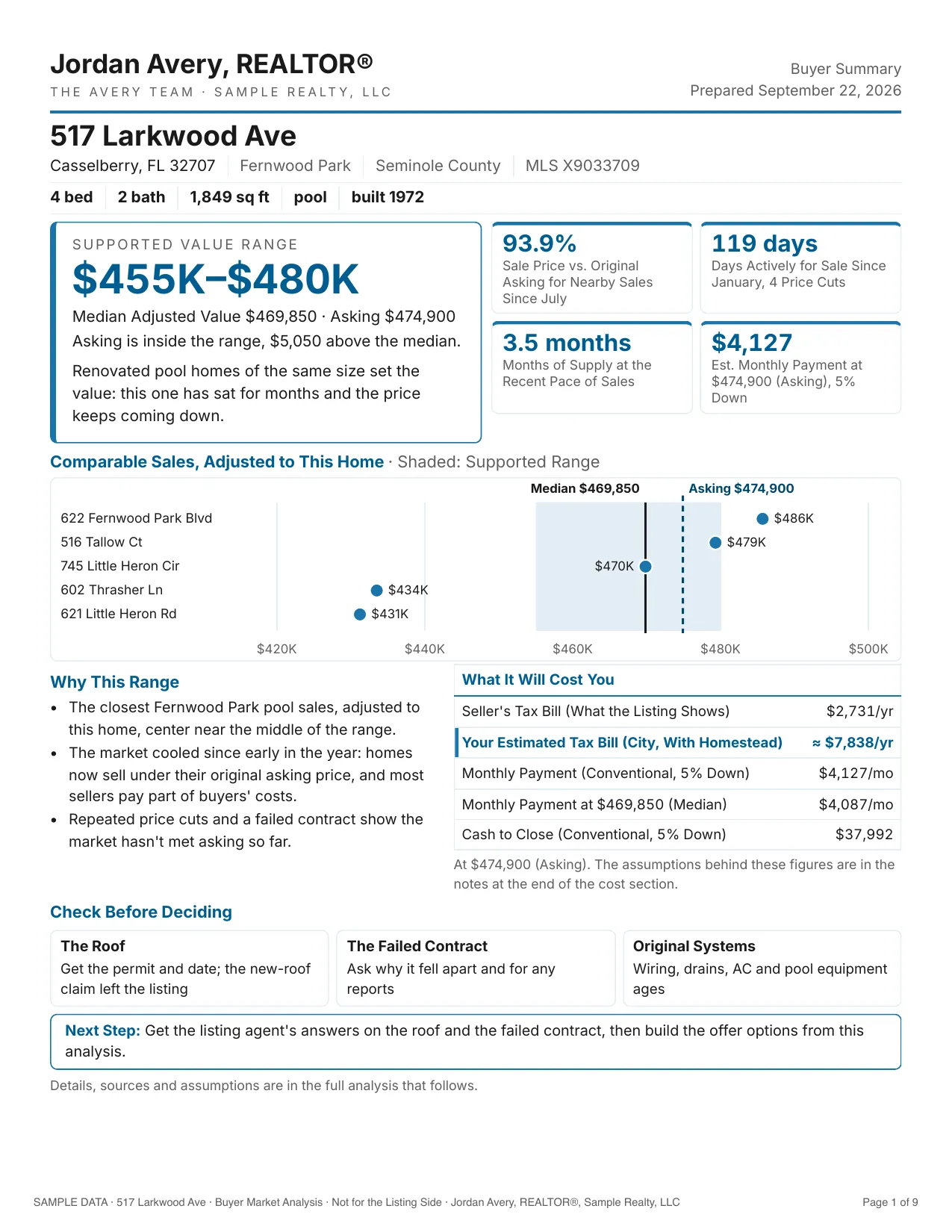
Buyer CMA
A supported value range, where asking sits against it and adjusted comps.
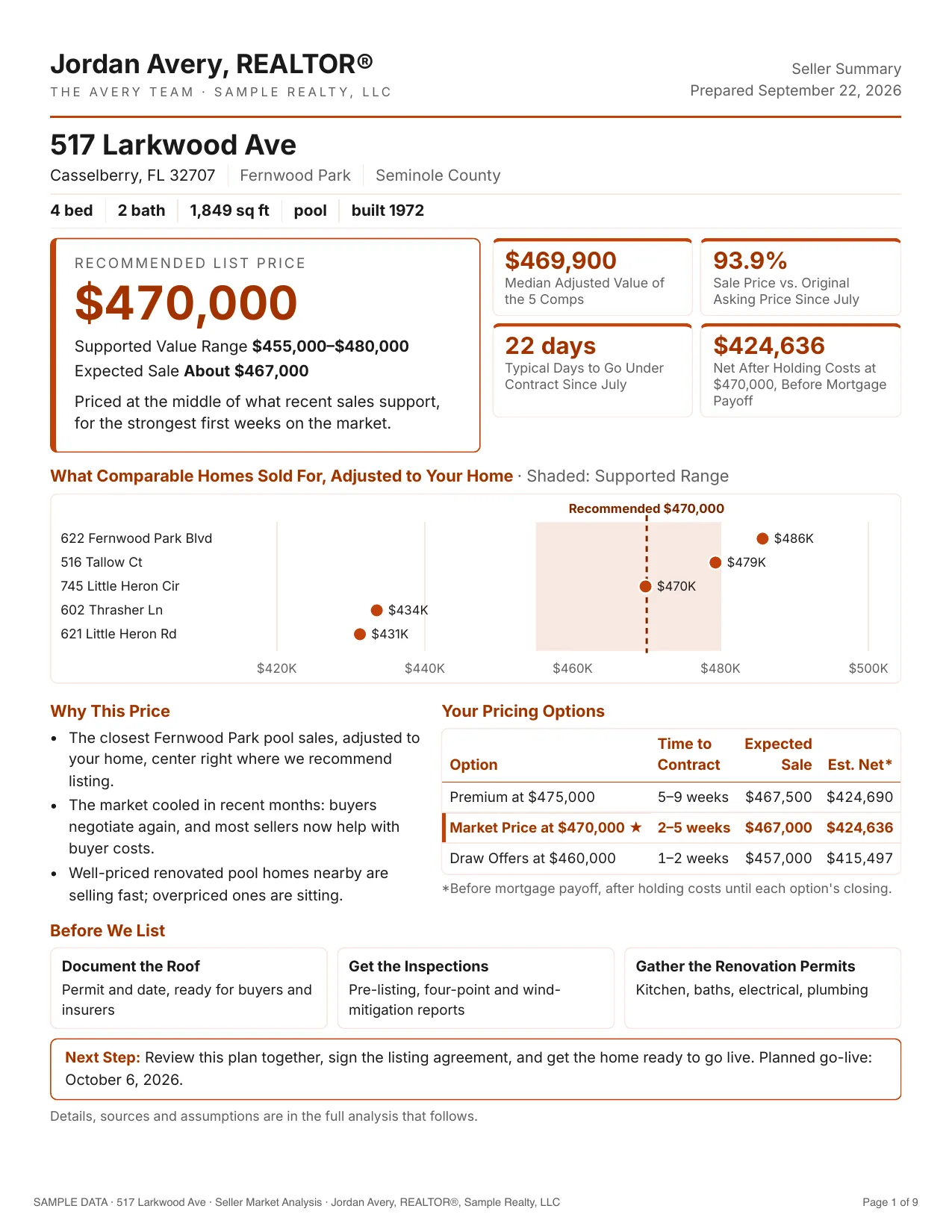
Seller CMA
A recommended list price and the seller's estimated net at each pricing option.
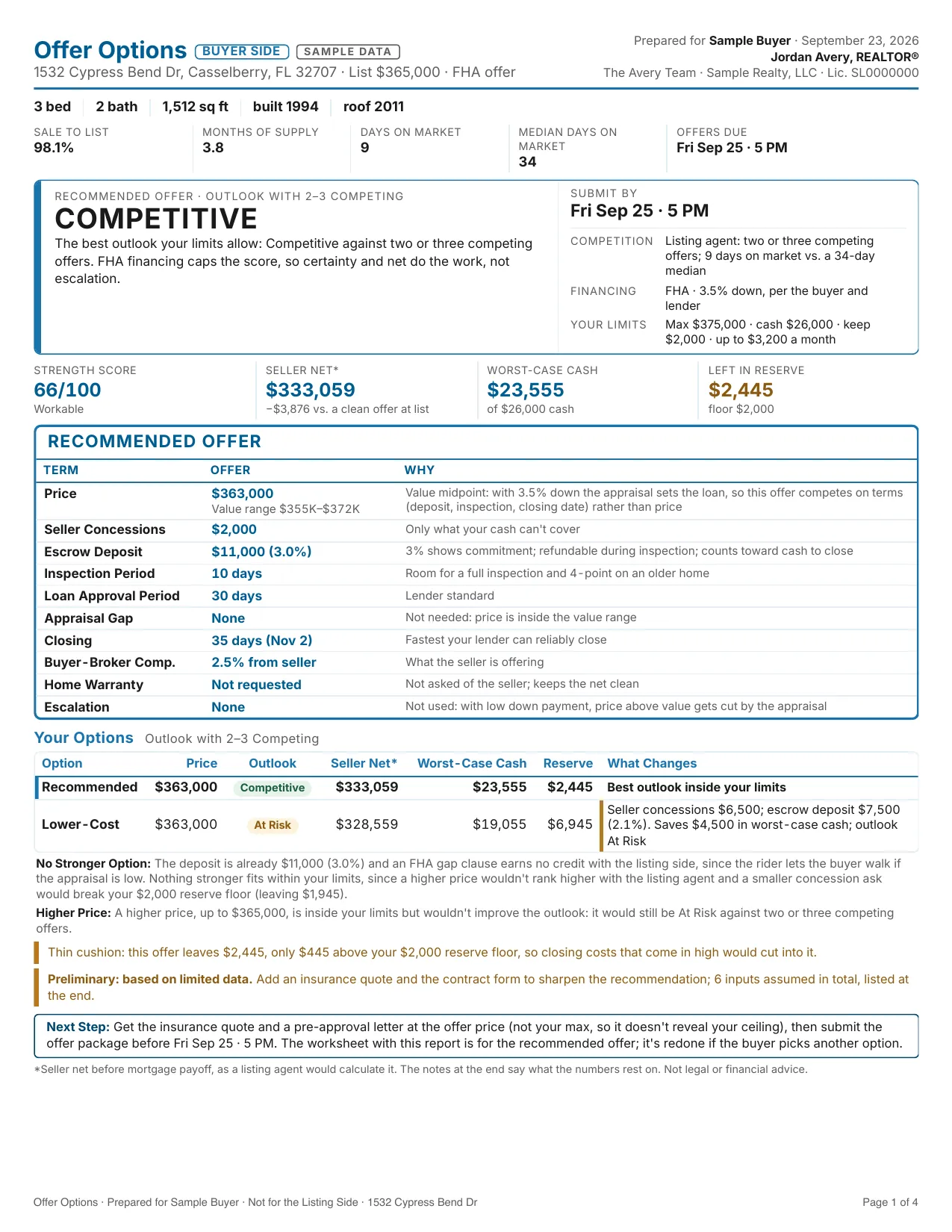
Buyer Offer Strategy
The strongest offer inside your buyer's limits, with up to two alternatives.
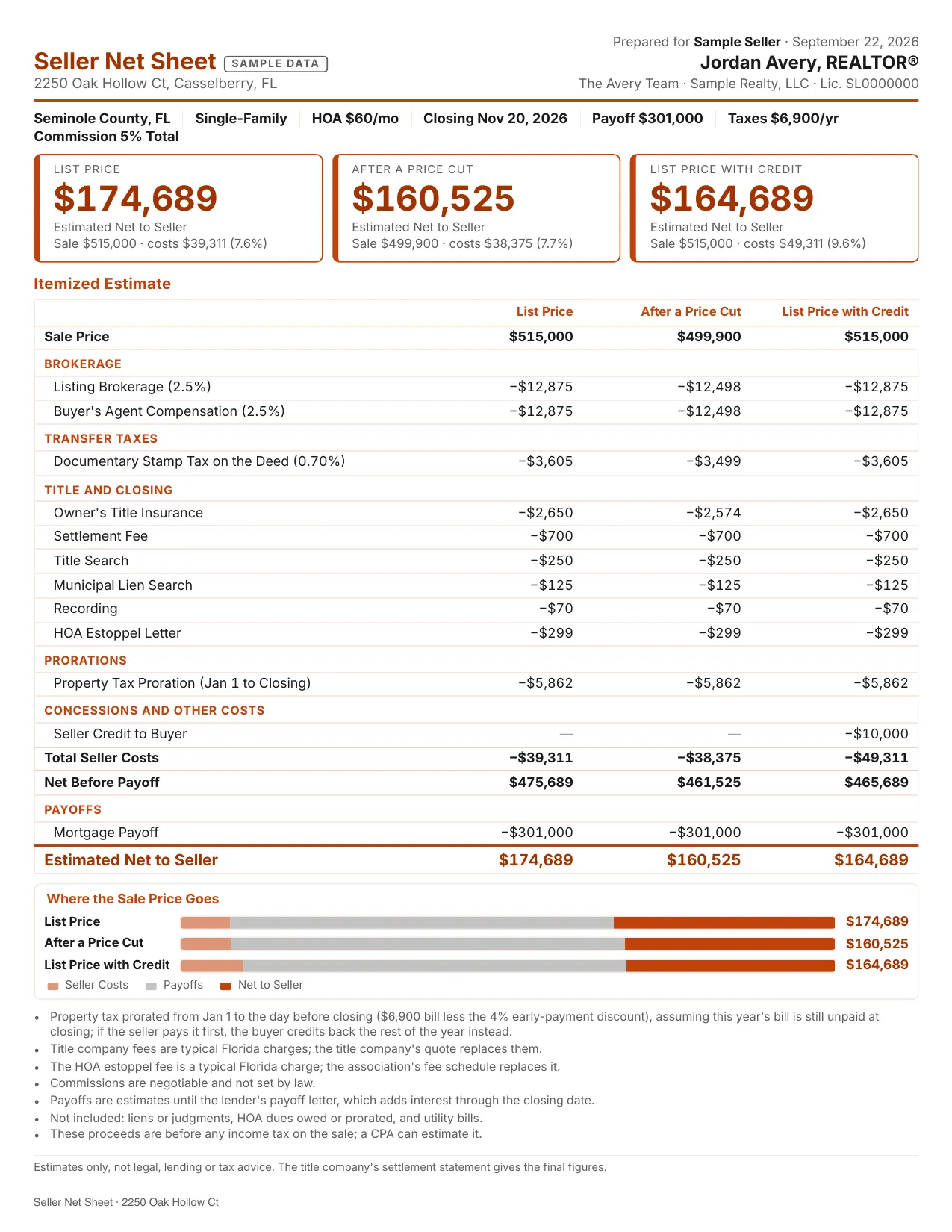
Seller Net Sheet
What your seller walks away with at up to three prices, on one page.
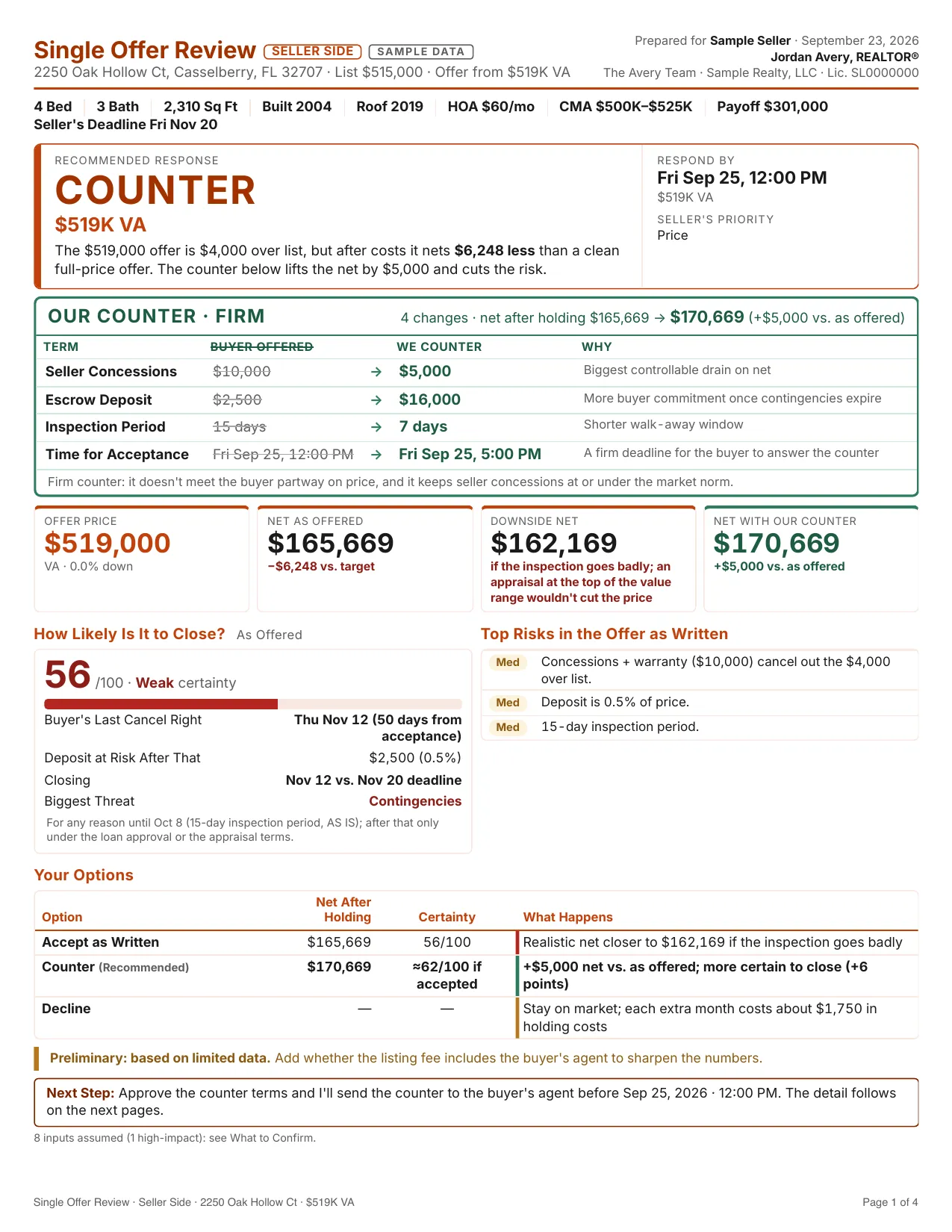
Seller Offer Review
The seller's net, a certainty score and a counter for each offer.
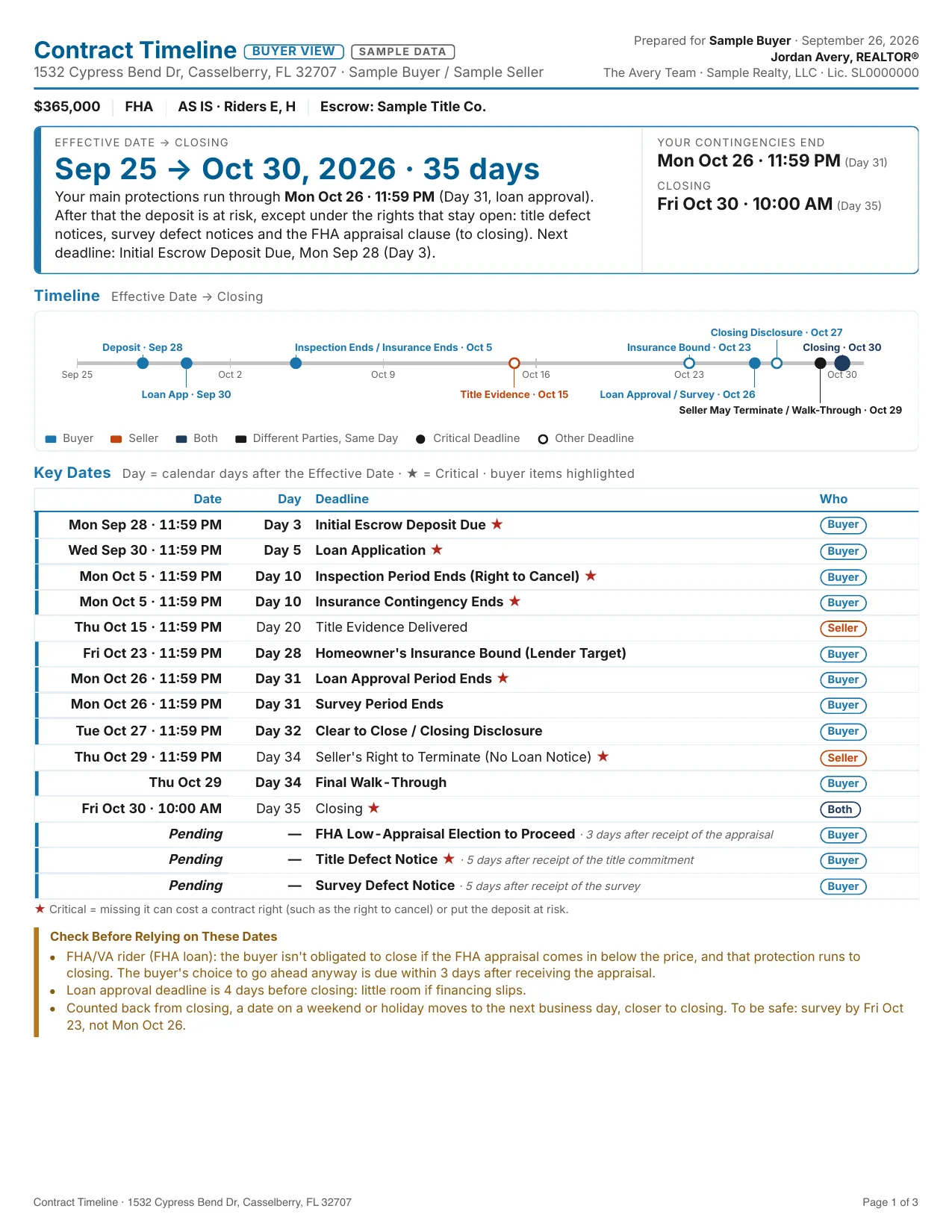
Contract Timeline
Every deadline from the Effective Date to closing, and who owes it.
Install
Four Steps
- 1Unzip the file.
- 2In the Claude desktop app, open the plugin settings and choose Upload Local Plugin.
- 3Drop in the file ending in .plugin and click Upload.
- 4Start a new chat, type /agent-profile and say "Set me up."
Then try a skill: type / and its name, for example /buyer-cma, and attach your MLS export. The manual in the zip covers setting up the export and every skill.
New versions are posted on the release page. To update, upload the newer .plugin file the same way. Your profile stays.
One zip file with a Claude plugin, a setup guide and the full manual.